Copy the link
Open a public TikTok video and choose Share → Copy link.
Save public TikTok videos as MP4 or MP3. Paste a video link below and choose an available format.
Formats and quality depend on the source video. Save only content you own or have permission to download.
Open a public TikTok video and choose Share → Copy link.
Paste the video link into the box above and start processing.
Choose an available MP4 video or MP3 audio download.
SSSTikTok helps you download TikTok videos without watermark for offline viewing. This free online TikTok video downloader supports full hd high-quality MP4 downloads and MP3 audio conversion for compatible public videos. You can use the SSSTik downloader on Android, iPhone, tablets, and desktop computers.
To get started, open TikTok and copy the favourite link of your chosen video. Paste the URL into SSSTikTok, click the Download button, and select the available video or audio format. It's a straight forward way to save TikTok content without installing a separate downloader app.
Save supported public TikTok videos on Android, iPhone, PC, or Mac using your web browser. Copy the video link, paste it into SSSTikTok, and choose an available download format.
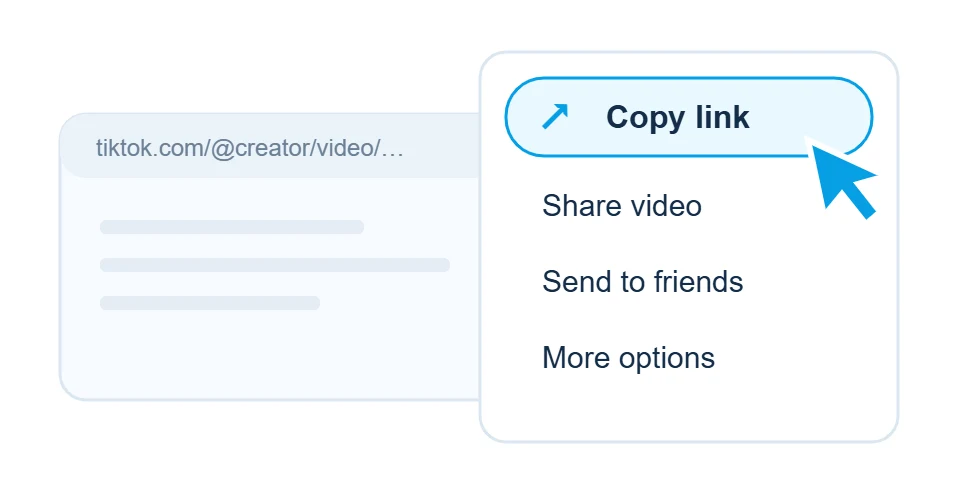
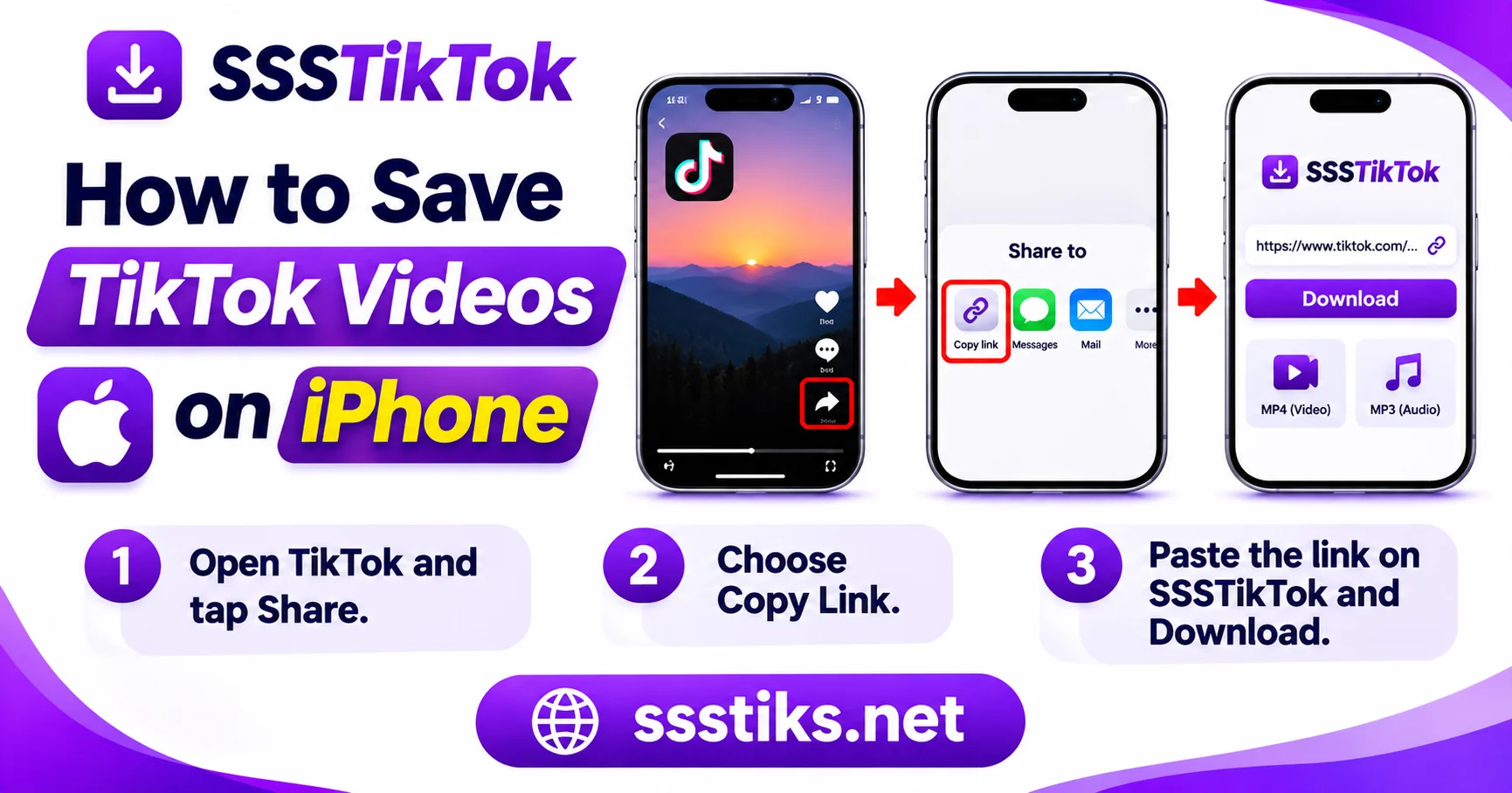
Open the public TikTok video you want to save. Tap Share and choose Copy Link. On a computer, you can copy the video URL from your browser's address bar.
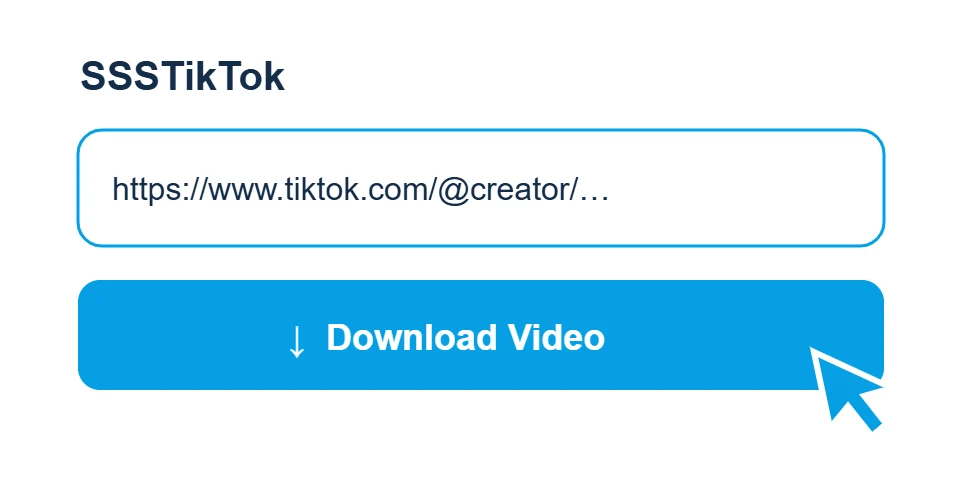
Visit SSSTikTok and paste the copied link into the download box at the top of this page. Click Download Video and wait for the available formats to appear.
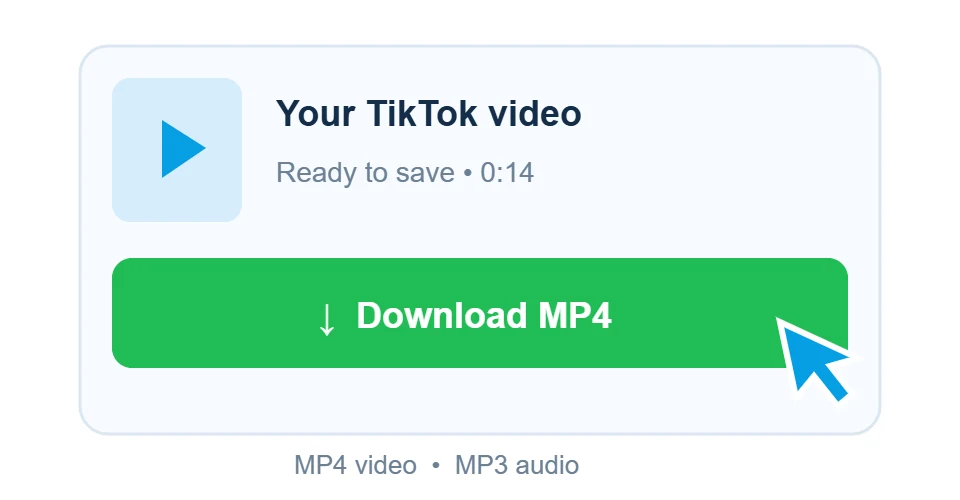
Choose an available MP4 video or MP3 audio option. Save the file to your device. Available quality depends on the original video. Download content you own or have permission to save.
The SSSTikTok Video Downloader is designed to provide a convenient experience for downloading supported TikTok content.
A popular feature of online TikTok downloaders is the ability to save videos without the visible TikTok watermark. When a watermark free version is available, users can download a cleaner video for personal offline viewing. Removing a watermark does not change the original creator's ownership or copyright.
Video quality is important when saving TikTok content. SSSTikTok aims to offer hd high-quality video downloads based on the original video's available resolution. Users can choose an available quality option that suits their device and storage space.
The TikTok to MP4 feature allows users to save supported videos in MP4 format. MP4 is compatible with most smartphones, tablets, laptops, and desktop computers. It is a convenient choice for people who want to watch downloaded TikTok videos without converting them into another format.
A TikTok to MP3 converter is useful for users who want to save audio from supported videos. When MP3 conversion is available, users can extract audio from content they own or have permission to download, including personal recordings, original sounds, and spoken tutorials.
SSSTikTok is a browser-based TikTok video saver. You do not need to install a separate downloading application to access the website. Simply open the downloader, enter a supported TikTok URL, and select an available download option.
SSSTikTok is designed for use on Android phones, iPhones, Windows PCs, Mac computers, and tablets. Its web based interface makes downloading accessible through compatible mobile and desktop browsers.
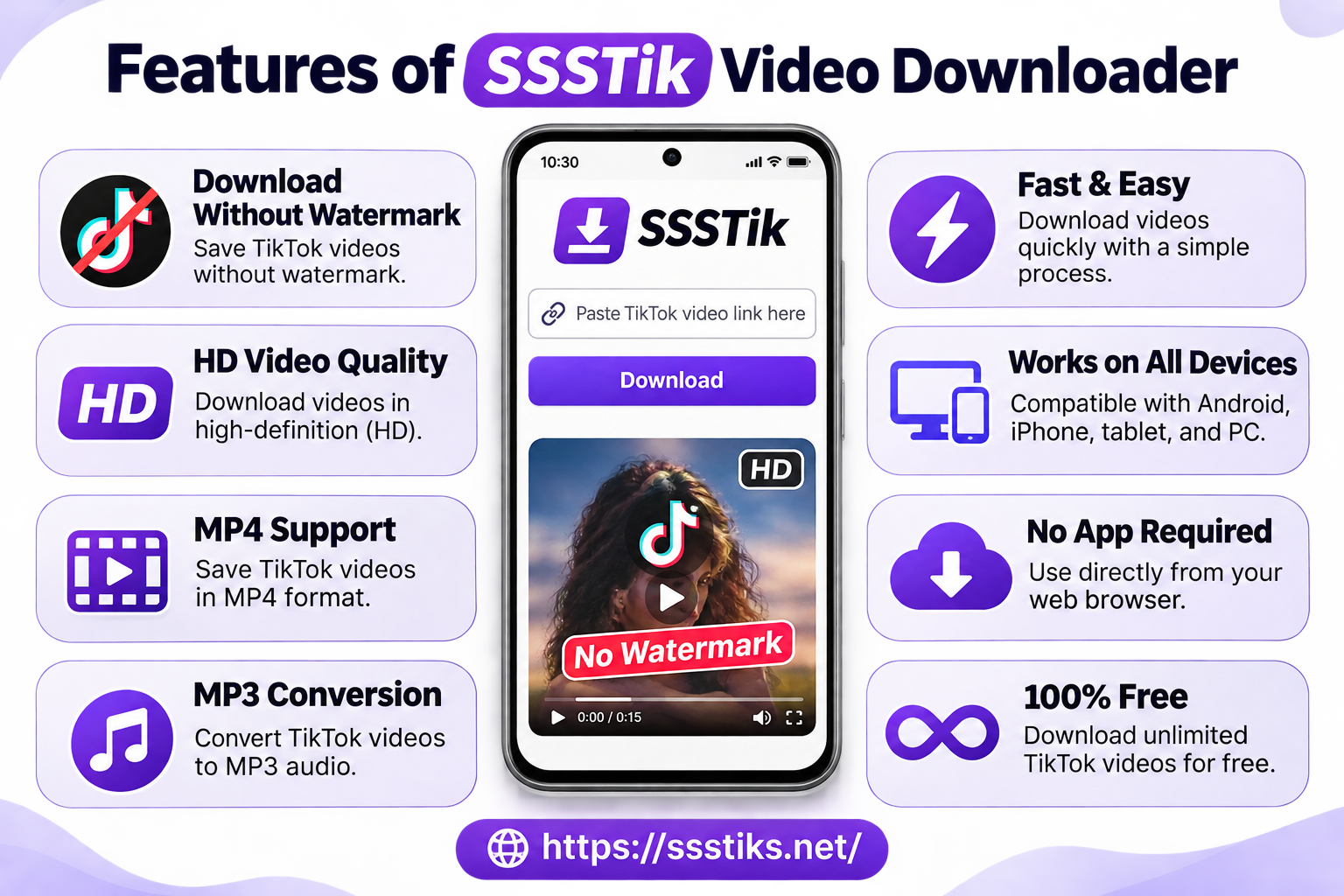
Many people search for a TikTok Downloader Without Watermark because they prefer watching saved videos without a visible logo or username overlay. TikTok normally displays a watermark on videos downloaded through its built-in saving feature. A third-party downloader may offer a watermark-free version of a publicly accessible video. To download TikTok without watermark, copy the video's link, open SSSTikTok, and paste the URL into the download field. If the tool offers a watermark-free option, select it to save the video. Always respect the original creator's rights. Downloading a video without a watermark does not grant permission to repost, sell, or distribute copyrighted material.
The SSSTikTok MP4 Downloader helps users save TikTok videos in a widely supported video format. MP4 files are easy to store, play, and organize on most modern devices. They are suitable for saving educational tutorials, personal clips, travel videos, and other content that you are permitted to download. To download TikTok to MP4, paste a public video URL into the downloader and choose an available MP4 option. The final video quality depends on the source video and the formats supported by the downloading service.
The SSSTikTok MP3 Downloader is intended for users who want to save audio from TikTok videos. Audio downloading can be helpful for personal recordings, original spoken content, and other material that users have permission to save. To convert TikTok to MP3, copy a supported video URL, paste it into the SSSTikTok downloader, and select MP3 if that option is available. The resulting audio file can be played using a compatible music or audio player.
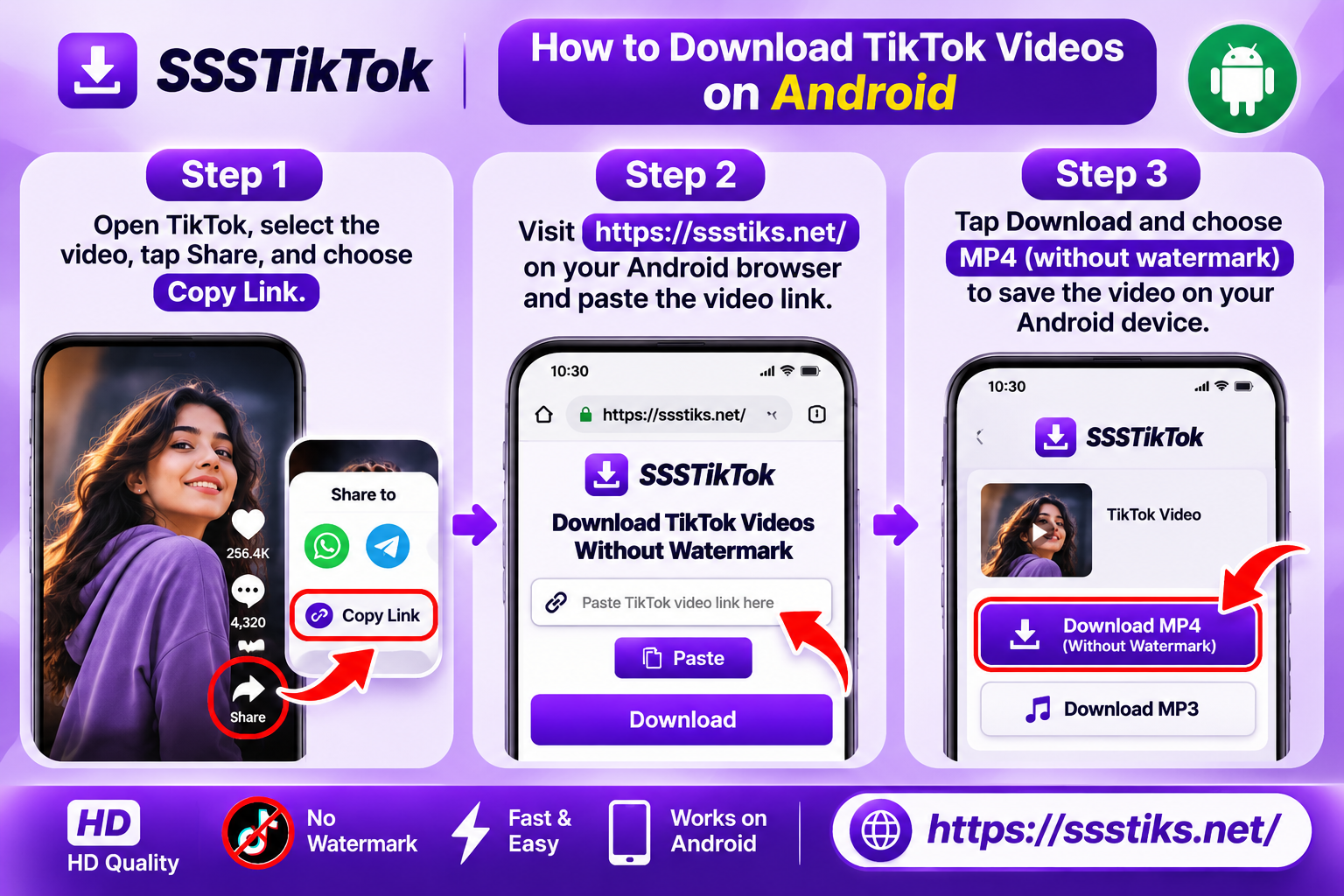
Android users can access the SSSTik TikTok downloader through Chrome or another supported browser.
Open TikTok and find the video.
Tap Share and select Copy Link.
Visit ssstiks.net in your browser.
Paste the TikTok video URL.
Tap Download.
Choose an available format and save the file.
You can also use SSSTikTok on an iPhone without installing a separate downloader application. Open TikTok, copy the link of a public video, and visit ssstiks.net using Safari or another compatible browser. Paste the link into the download box and select an available download option. Depending on your iOS version and browser settings, the file may be saved in the Files app under Downloads. You can open it from there or move it to another supported location.
SSSTikTok can be accessed through desktop browsers on Windows and Mac computers. Open TikTok in your browser and copy the URL of the video you want to download. Next, visit ssstiks.net and paste the link into the TikTok downloader. Click Download, select an available video format, and save the file to your computer.
SSSTikTok focuses on providing a simple online TikTok video downloading experience. The website is designed around a straightforward process that helps users save supported videos without navigating complicated software. With access through mobile and desktop browsers, SSSTikTok provides a convenient option for people who want to download TikTok videos for offline viewing. Whether you are looking for an SSSTikTok Downloader, SSSTik Downloader, TikTok Video Saver, or TikTok MP4 Downloader, the website aims to make downloading quick and accessible.
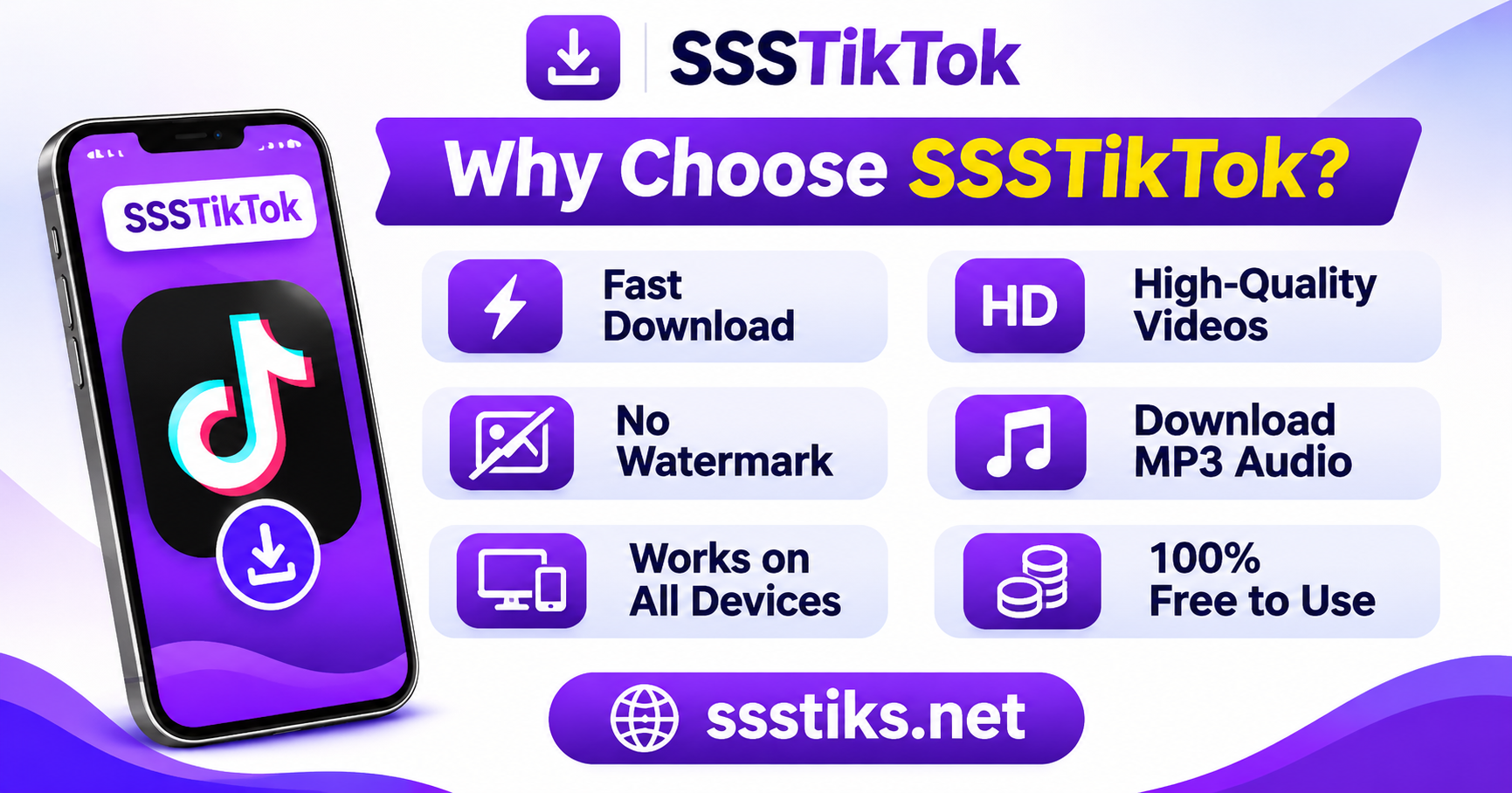
SSSTikTok is an online TikTok video downloader that helps users save supported public TikTok videos to their devices. It uses a simple link-based downloading process accessible through a web browser.
SSSTik is a name commonly associated with TikTok downloading tools. On ssstiks.net, users can access a browser-based downloader intended for saving supported TikTok videos.
Watermark-free downloading may be available for supported public TikTok videos. Paste the video URL into the downloader and select the watermark-free option when offered.
SSSTikTok is intended to provide free access to its basic TikTok video downloading features. Available formats and functionality depend on the service.
HD video downloading depends on the original video's resolution and the available download options. Select the highest supported quality for the best viewing experience.
SSSTikTok is designed to work through compatible mobile browsers on Android and iPhone, allowing users to access the downloader without installing a separate application.
If MP3 conversion is supported, you can paste a TikTok video link and select the available audio download option. Only download audio you have permission to use.
Downloads may fail because of an incorrect link, a private or deleted video, browser restrictions, connection problems, or temporary downloader limitations. Check the URL and try again.
SSSTik TikTok Video Downloader provides a simple browser-based way to save supported TikTok videos for offline viewing. Whether you want to download TikTok videos without watermark, save MP4 videos, or access available MP3 conversion options, SSSTikTok is designed to make the process convenient on Android, iPhone, and PC.